
Check out to a name
Assign a laptop or kit to a person or a room. The movement is timestamped and stays on the asset.


Checkout
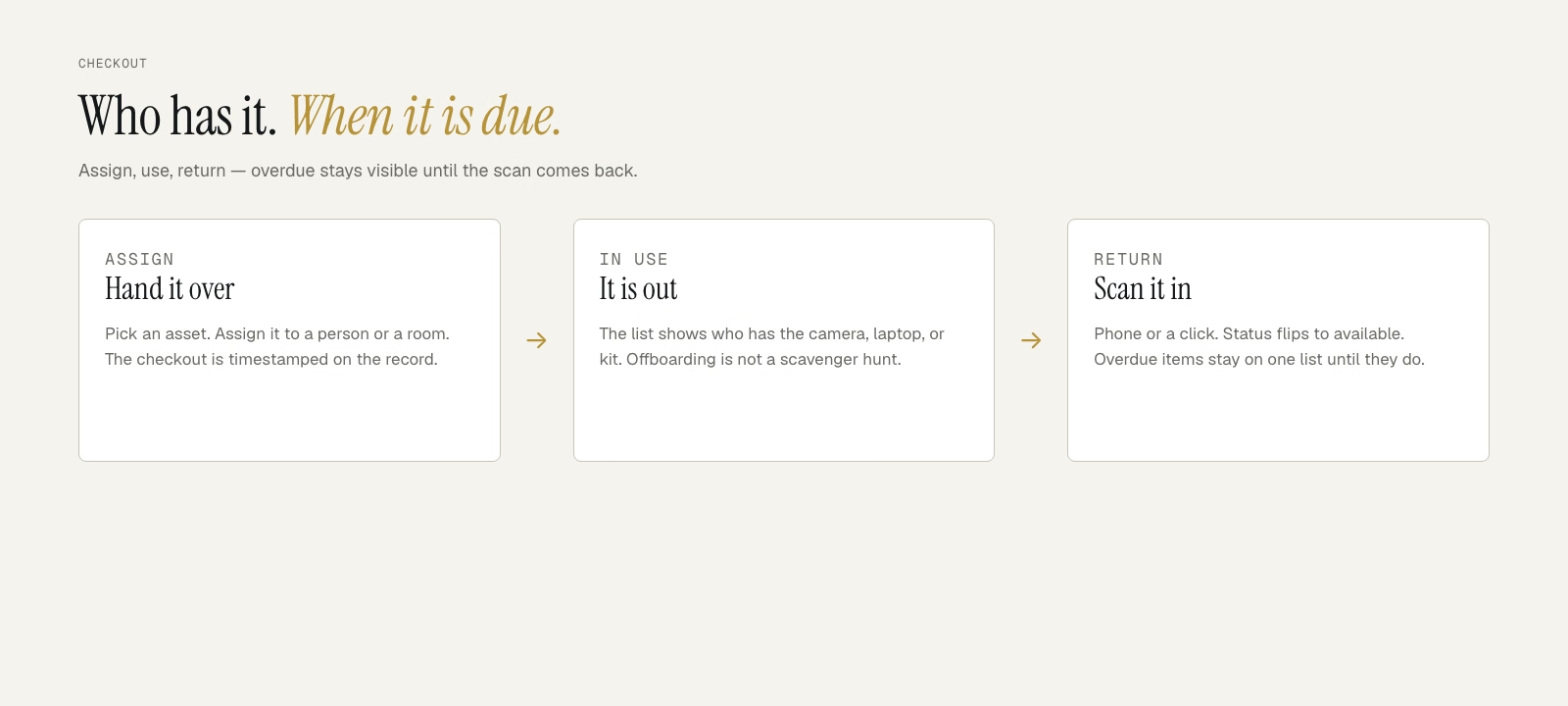
Hand a laptop, kit, or camera to a person — and know when it is due back.
Ops and IT still check gear out on a tab nobody updates. Equipment checkout software is the assign-and-return loop: who has the item, when they took it, and whether it came back. Company Asset Tracker runs that loop on the same record as the rest of the inventory — laptops, AV kits, badges, and shared tools.
How it works
Pick an asset, assign it to a person or a room, and the checkout is on the timeline. Return it with a scan or a click. Overdue items stay visible until they come back. Employees can request gear and confirm returns in the portal so the desk is not typing every handoff.
Phone or USB scanners work. See barcode asset tracking and the portal if you want the mechanics.
Assign a laptop or kit to a person or a room. The movement is timestamped and stays on the asset.
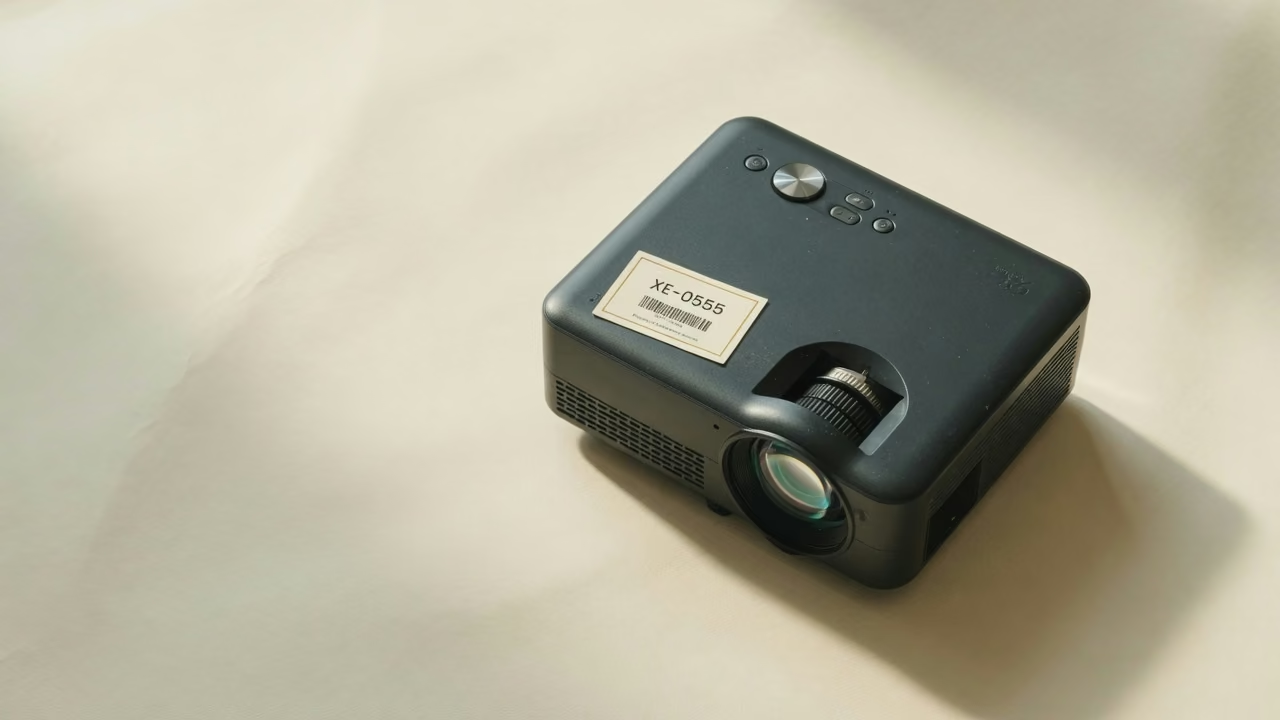
Return items with a phone or USB scanner. The record flips back to in-stock without a new spreadsheet line.
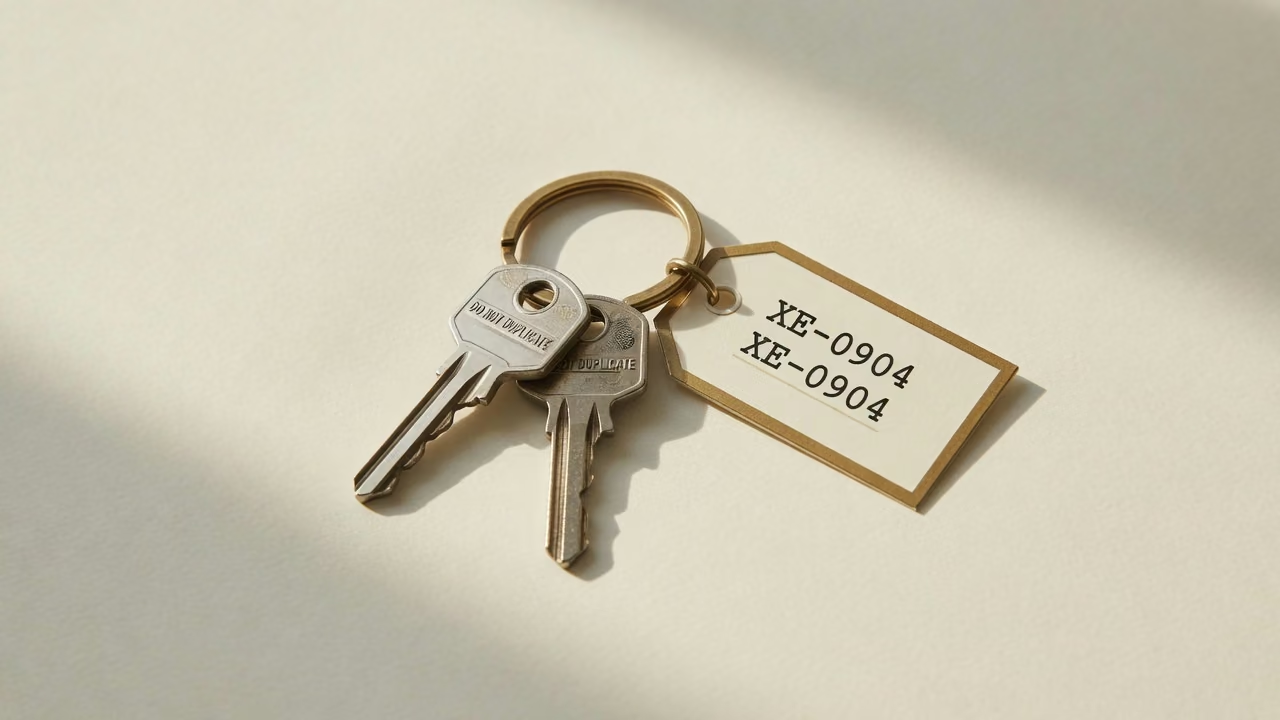
Overdue and still-assigned gear stays on one list. Offboarding stops being a scavenger hunt across chat threads.
Fourteen days. No credit card. Import the list you already check gear against.
Onboarding: assign a laptop, monitor, and badge on day one. Offboarding: see everything still checked out before the next hire needs it. Shared kits: a projector leaves for a meeting and comes back to the closet — with a name on the movement, not a sticky note.
Starter is $19/month for up to 100 assets. Pro is $79/month for up to 5,000, with barcode scanning. The trial is 14 days. Compare plans, read onboarding and offboarding use cases, or see the fixed-asset record checkout writes to.
FAQ

The ledger for everything a company owns. Tag it. Scan it. Account for it.