
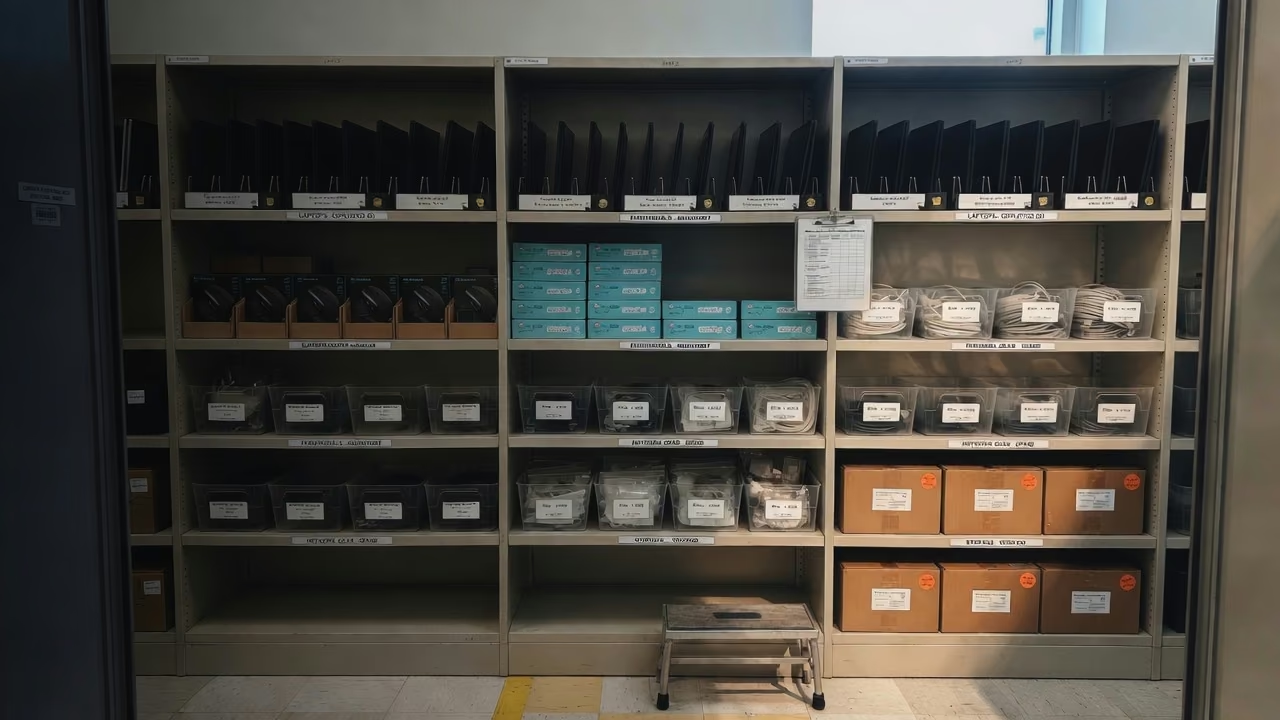
Warehouse aisle with inventory shelves and labeled equipment

Use cases

How teams use Company Asset Tracker.

From IT onboarding to multi-site inventory audits — one ledger for hardware, licenses, and office gear. Pick the workflow that matches how you work today.

Scroll

Built for real ops work

Six workflows operators run every week.

Not a generic “asset management platform.” Concrete jobs that replace spreadsheets, email threads, and last-minute audit scrambles.

Employee onboarding & offboarding

Assign a laptop, monitor, and badge on day one. When someone leaves, see everything still checked out and recover it before the next hire needs it.

Software license true-up

Know who has which seat, what is unused, and what renews next quarter — without a side spreadsheet nobody trusts.

Multi-site office inventory

Track equipment across HQ, branches, and storage rooms. Move assets between locations with a scan, not a shared drive.

Audit-ready inventory

Export a complete history of assignments, scans, and status changes when finance or compliance asks “what do we own?”

Barcode & QR field scans

Label once, scan forever. Phone or USB scanners work for check-in, check-out, and spot audits on the floor.

MSP / IT helpdesk handoffs

Give support a single place to look up “whose laptop is this?” and close tickets without pinging three channels.

In depth

Three use cases that pay for the subscription.

Unified asset ledger with status, assignee, and location columns

IT asset lifecycle, end to end

Purchase → receive → assign → repair → retire. Every laptop and peripheral has a status, owner, and location. Serial numbers and barcodes stay attached so the same device never appears twice in different sheets.

Illustration of software license utilization bars and seat assignments

License spend you can defend

Map seats to people, flag unused entitlements, and export a clean list before the vendor renewal call. Pair software records with the hardware they run on so true-ups stop being a quarterly fire drill.

Illustration of an audit trail timeline with scan events

Inventory audits without the scramble

Walk a floor with a phone, scan labels, and mark assets found or missing. History is append-only so you can show when something moved — and who moved it — without rebuilding the trail from email.

Who gets value first

IT & desktop support

Know what is deployed, what is in stock, and what is overdue for return — before the next ticket lands.

Ops & office managers

Furniture, AV kits, and shared equipment across sites, with clear ownership instead of “someone in that room.”

Finance & procurement

Purchase cost, depreciation context, and a defensible list of active assets when budgets and audits roll around.

See your inventory in one place.

Import a CSV, map columns once, and start scanning. The first 100 assets are free — no credit card required.