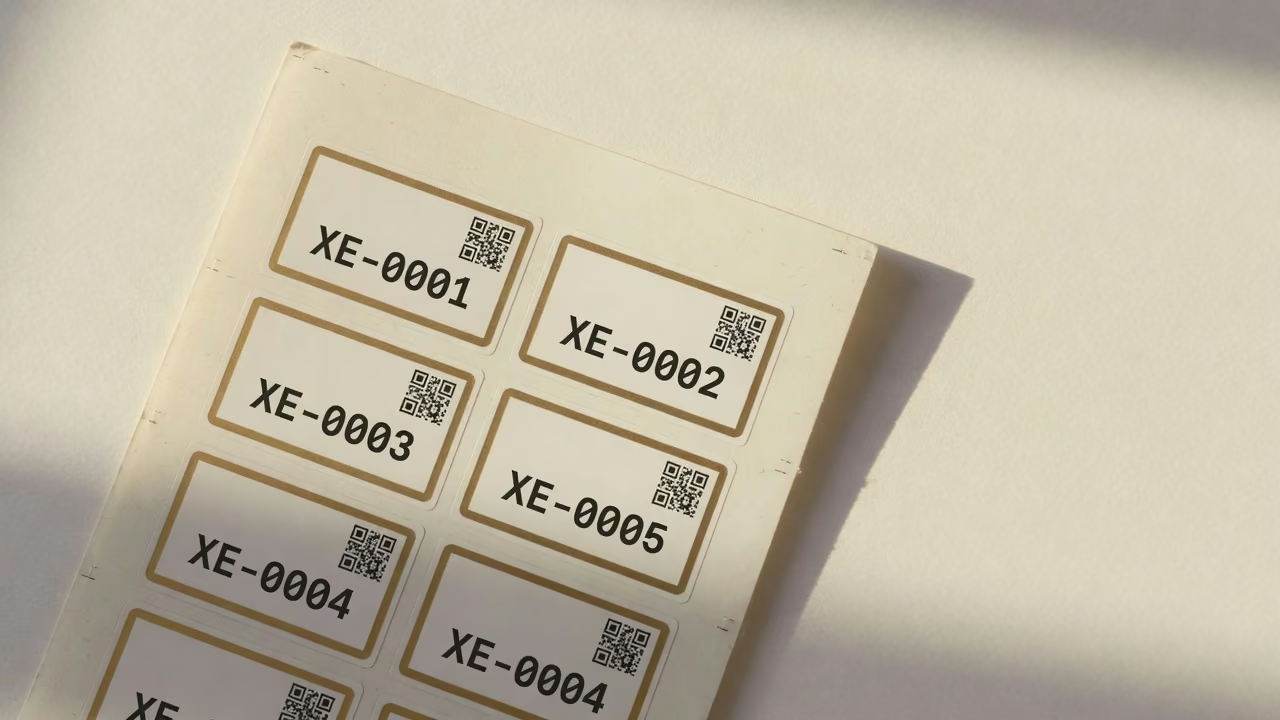
Print, then stick
Generate labels from the asset list. Serial and ID stay bound to the sticker so the same laptop never appears twice.

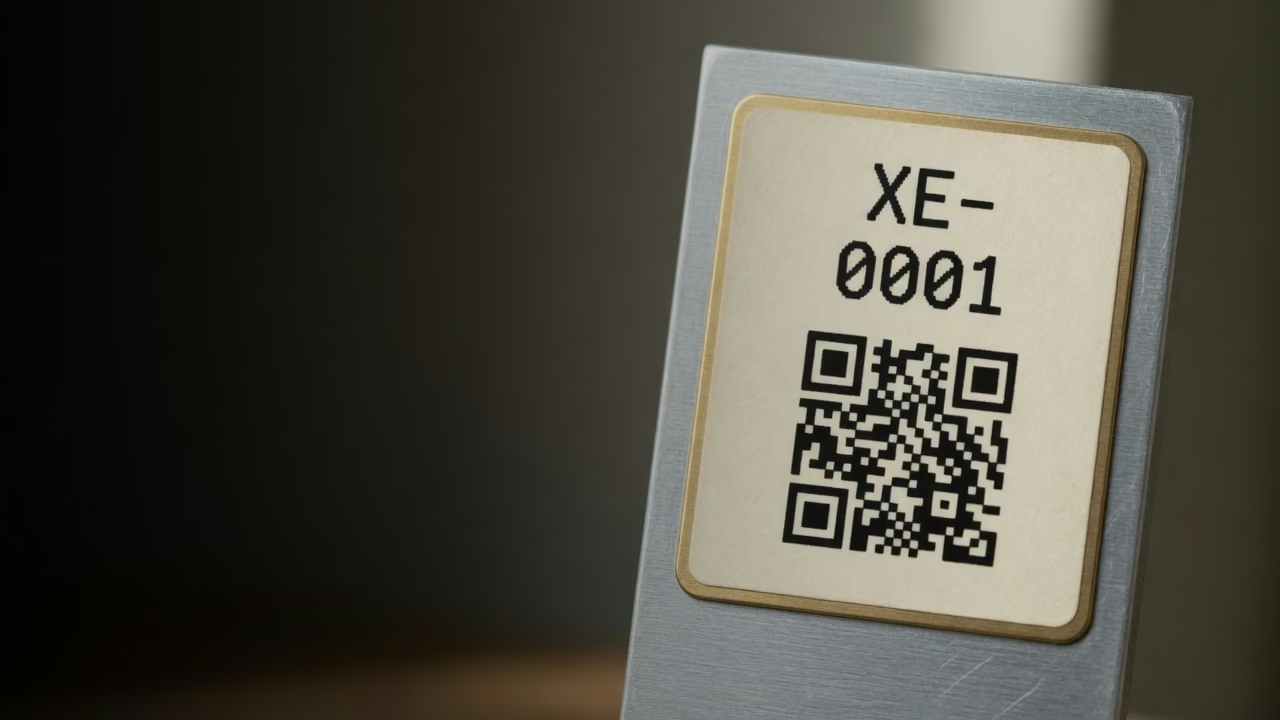
Scan
Print a label, stick it, scan it. Serial, owner, and location stay on one record.
Receiving a pallet still ends in typed serials and a sheet that drifts from the shelf. Barcode asset tracking is the loop that stops that: one label on the device, one scan to receive, assign, or audit. Company Asset Tracker runs that loop for company gear — laptops, kits, and office equipment — not a GPS tracker and not a warehouse WMS.
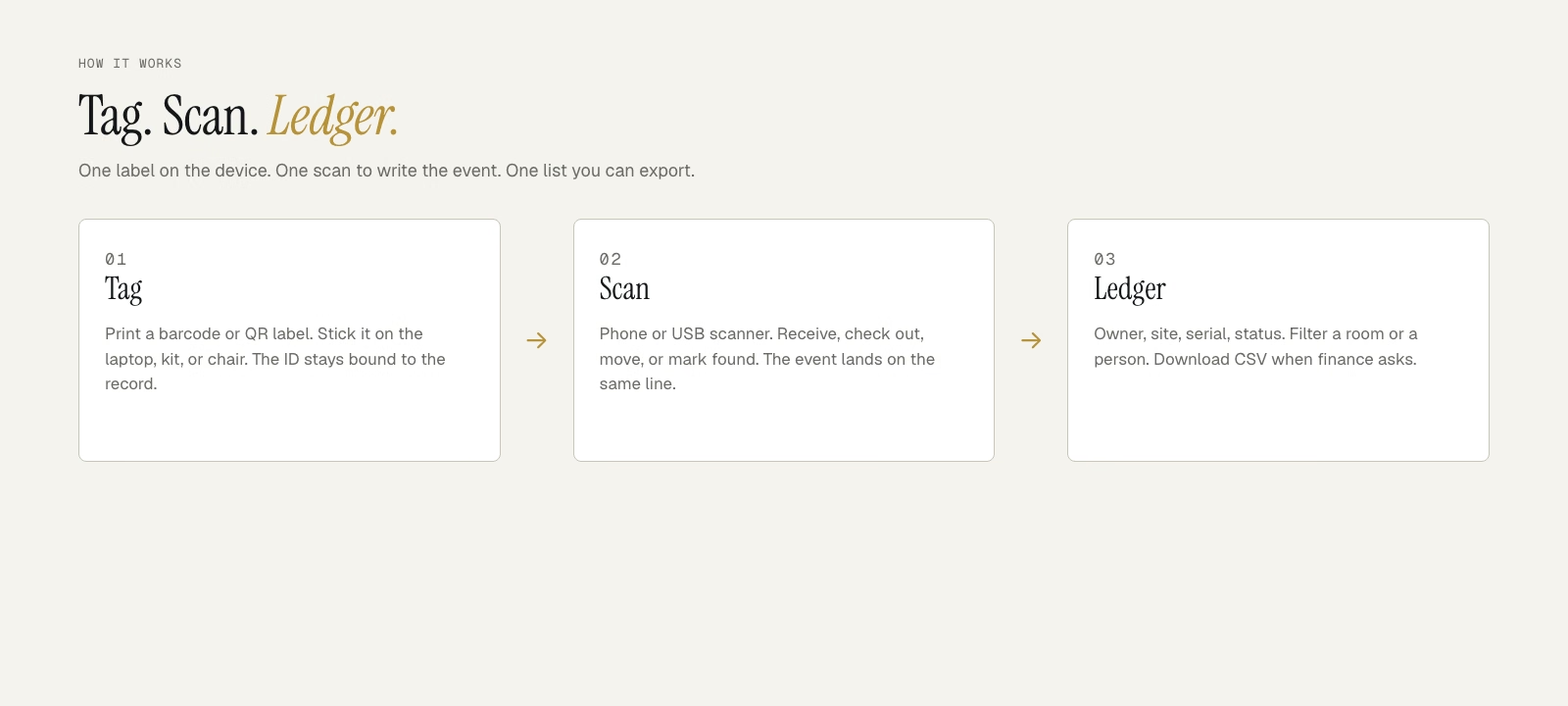
How it works
Add the asset, print a barcode or QR label, stick it. From then on a phone or USB scanner writes the event onto the same record: received, checked out, moved, found, missing, retired. Spot audits become a walk with a camera, not a week of matching spreadsheets.
You do not need a dedicated scanner gun. See scanning and reports or how checkout uses the same scan.
Generate labels from the asset list. Serial and ID stay bound to the sticker so the same laptop never appears twice.

Receive a pallet, check gear in or out, or mark found or missing — the event lands on the timeline.
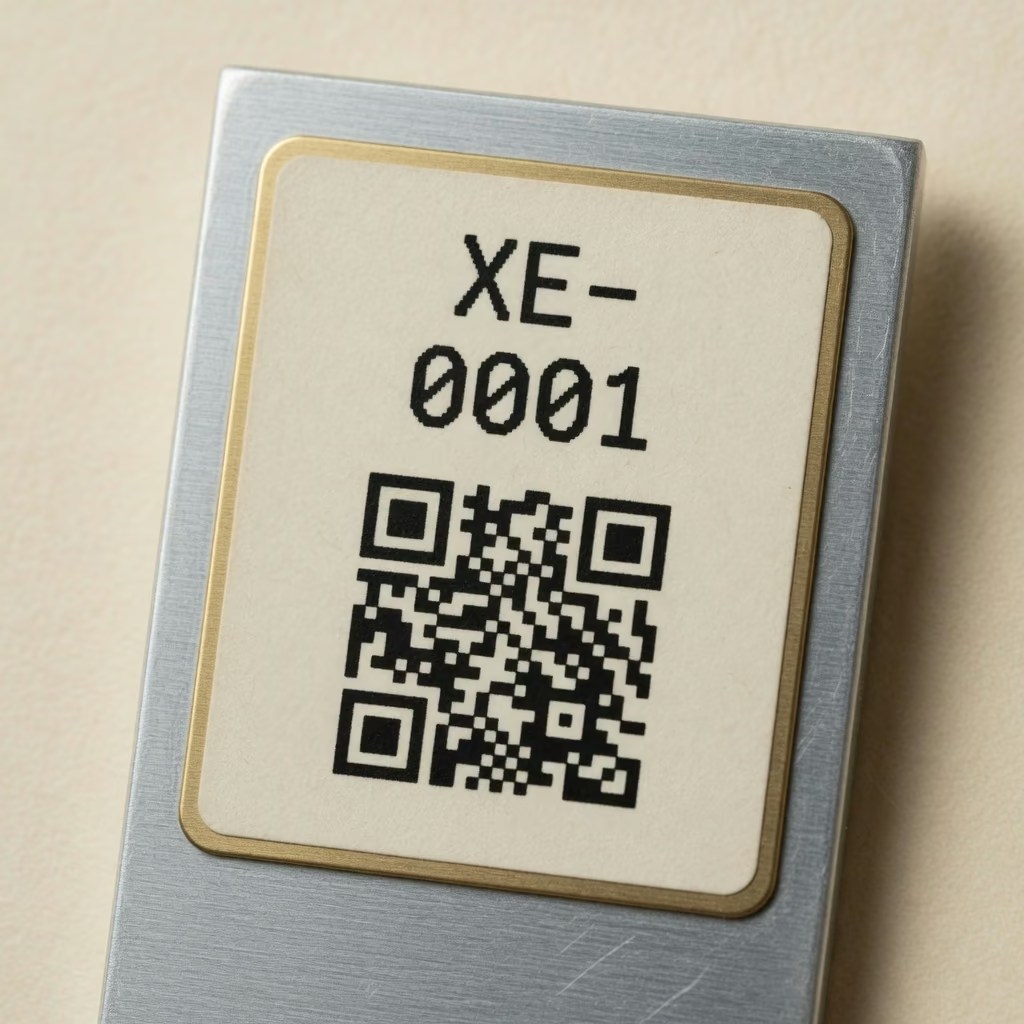
Walk a site with a phone. Export the same history finance already asked for. No rebuilding the trail from email.
Fourteen days. No credit card. Import a CSV and print the first sheet of labels.
Scan boxes as they land so serials are not typed twice. Walk a floor, mark found or missing, and the history is already on the asset. That is barcode asset tracking software: labels plus the ledger — the fixed-asset record the scans write to.
Starter is $19/month for up to 100 assets. Pro is $79/month for up to 5,000, with barcode and QR scanning. The trial is 14 days. Compare plans or read how teams run floor audits.
FAQ

The ledger for everything a company owns. Tag it. Scan it. Account for it.